
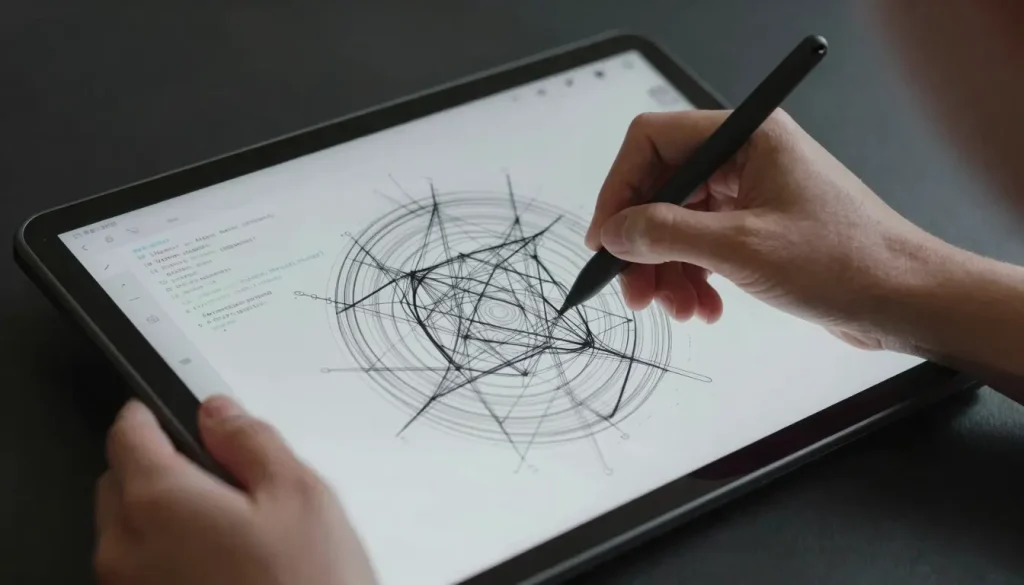
The Gap Between Design and Development Consumes Project Budgets Daily. But Today, an AI Design Tool Programs Custom Tools Directly. This Happens Inside Your Interactive Workspace.
It was Thursday night, 3 AM, in our Casablanca office. The client expected the interactive prototype for a real estate project by 9 AM. I was drowning in endless revisions. Developers eagerly awaited the final design. The design hadn’t translated into code as planned. This critical gap nearly destroyed the entire project. We almost lost the client’s trust completely.
At the peak of frustration, I decided to try a new update. I opened the Pencil environment and used the Code on Canvas feature. I didn’t ask for a new interface to be drawn. I had the Claude agent program an interactive component tool. The tool handled fetching live data directly. The tool read our existing codebase. We needed no intermediary or sterile export.
In less than forty minutes, the component was ready. It integrated perfectly into the code. We saved over five hours of work. We delivered the project precisely ahead of schedule. The client was impressed by the project’s final outcome. Today’s tools have become true partners building your tools. This is why I built Hcouch Digital. Arab creators deserve to own these technical shortcuts.
- The AI Design Tool Revolution: Unleashing Creativity with Code on Canvas
- Empowering Agents: Building Custom Tools Within the Design Canvas
- Syncing Design and Code: The Power of Open .pen Files
- Beyond the Canvas: An Interactive Workspace for Designers and Agents
- The Future of Generative Design: From SWARM to Tool Building
- The AI Design Tool at the Innovation Hub: A Vibe-Coding Workflow
- Managing MCP Servers to Avoid Design File Conflicts
- The End of the Design-Code Gap
The AI Design Tool Revolution: Unleashing Creativity with Code on Canvas
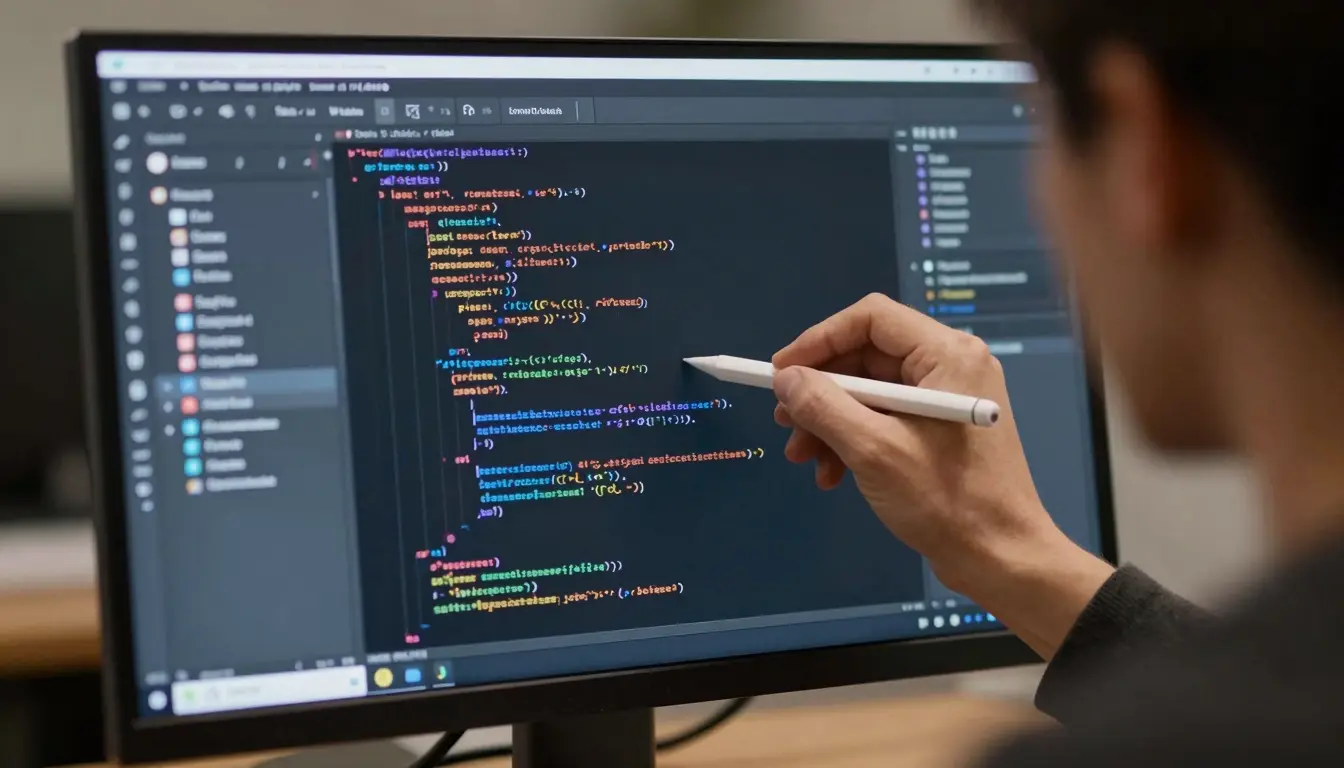
Traditional design tools impose strict limitations. Developers write code, designers draw interfaces. This separation creates workflow bottlenecks. Today, this rule is fundamentally changing.
1.1 Understanding the Core Concept of Code on Canvas
The Code on Canvas feature brilliantly merges both worlds. The interface remains fully editable by hand. But it allows AI to intervene deeply. A programming agent can build new tools within it.
I worked on a complex e-commerce interface. I needed to quickly change the product display logic. I asked the AI to modify the tool itself. The result was a seventy percent reduction in modification time. You can follow the details of the Code on Canvas launch to understand its scope.
1.2 Pencil’s Innovative Architectural Foundation
The software relies on a very robust architecture. It uses the Model Context Protocol (MCP) to link components. This protocol allows agents to understand design context.
Files live directly within the code repository. They are read and modified without needing export. This completely eliminates the tedious handoff step.
This strong architectural foundation directly paves the way for the next practical step in our workflow.
Empowering Agents: Building Custom Tools Within the Design Canvas
Programming agents like Claude and Codex have moved beyond text generation. They are now building interactive tools within the design space. This shift multiplies the productivity of technical teams.
2.1 Creating a Generative Pattern Brush
Designing complex patterns manually consumes long hours. A programming agent can code a custom generative brush. This brush draws patterns that adapt to data.
In a visual identity project, we needed a programmatically changing pattern. I used the agent to code the tool within the canvas. The pattern was ready in just ten minutes.
2.2 Developing Live Data Components
Static components do not reflect the real user experience. Agents can connect components to APIs. This allows live data display during design.
We designed a financial dashboard for a key client. We programmed a component that pulled real-time currency prices. The design began interacting with the actual market.
2.3 Designing Innovative Color Tools
Color selection requires mathematical precision and consistency. An agent can build a custom color tool for your project. The tool ensures contrast compatibility with accessibility standards.
I asked the agent for a tool generating color gradients. I specified it must align with brand identity. I received a precise, dynamic color palette.
The ability to build these tools inevitably leads us to face the ongoing challenge of file synchronization.
Syncing Design and Code: The Power of Open .pen Files
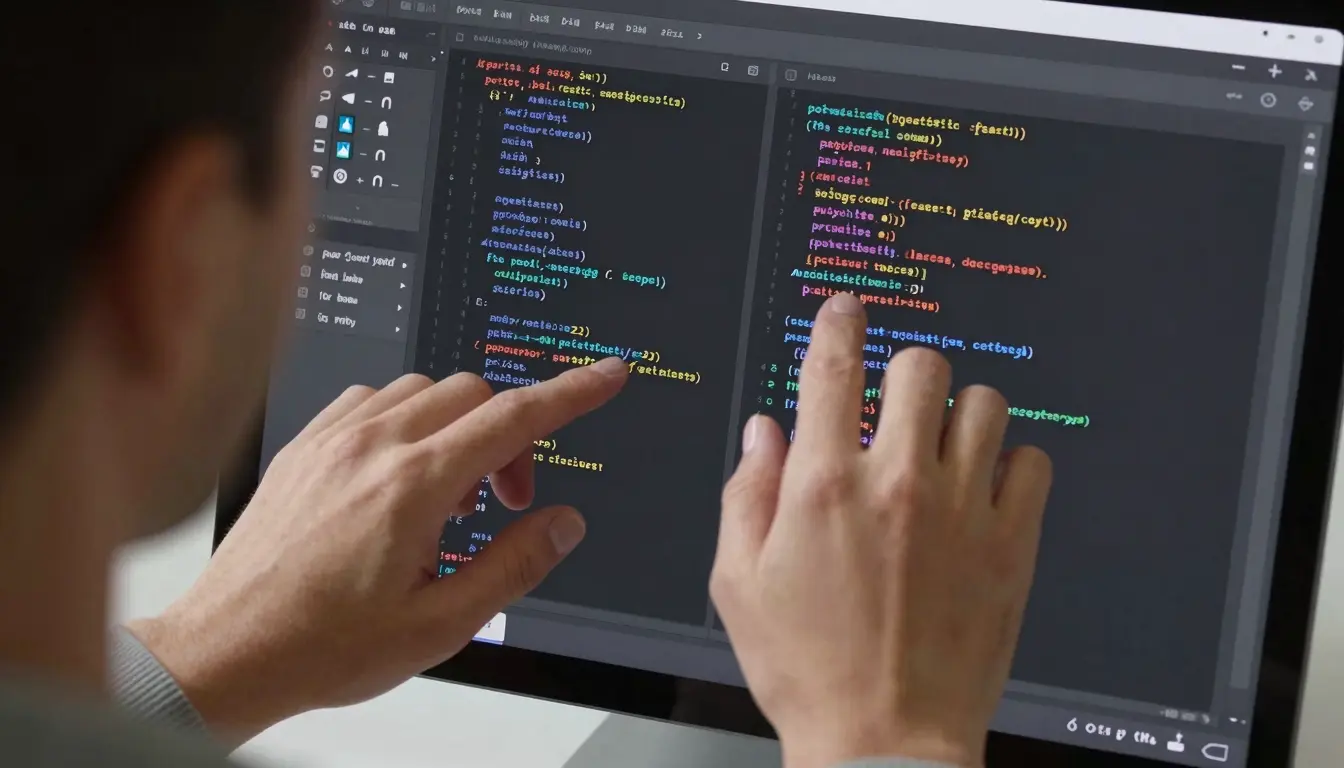
The separation of design files and code files is a disaster. Edits get lost, and multiple versions multiply uselessly. The open file format solves this dilemma permanently.
3.1 Understanding the Role of .pen Files
.pen files are not just images or vectors. They are files readable by machines and humans with equal efficiency. These files reside alongside the application’s source code.
In one application, we faced version conflict issues. We adopted these files as the sole design reference. Coding errors dropped by ninety percent. This reminds me of the evolution of professional design software towards adopting open systems.
3.2 Avoiding the Manual Handoff Gap
Manual design handoff kills a project’s creative momentum. Developers misunderstand the design, and designers resent the constraints. Direct synchronization eliminates this step entirely.
Design and programming evolve at the same moment in time. The intelligent agent writes code, and the designer modifies the appearance. Everything happens in one shared file.
Eliminating manual handoff transforms the screen before us into a radically different work environment.
Beyond the Canvas: An Interactive Workspace for Designers and Agents
The static canvas is now a relic of the recent technical past. Today’s workspace is alive and interacts with your decisions. The programming agent sits beside you as an active assistant.
4.1 Real-Time Human-Machine Collaboration
The designer moves visual elements by hand on the canvas. The agent writes interaction logic in the background instantly. This synchronization creates unprecedented technical magic.
At the TwiceBox agency, we adopted this approach. We designed a delivery app interface in just two days. Previously, the same work took two full weeks.
4.2 Dynamically Updating the Canvas
The canvas is no longer just a rigid final output. It is an environment that speaks and changes with every update. The agent adds new tools as you need them instantly.
I requested the addition of an interactive map for live order tracking. The agent fetched the programming library and placed it on the canvas. I could directly edit the map’s colors manually.
This dynamism did not appear suddenly. It is an extension of previous developments that reshaped the industry.
The Future of Generative Design: From SWARM to Tool Building
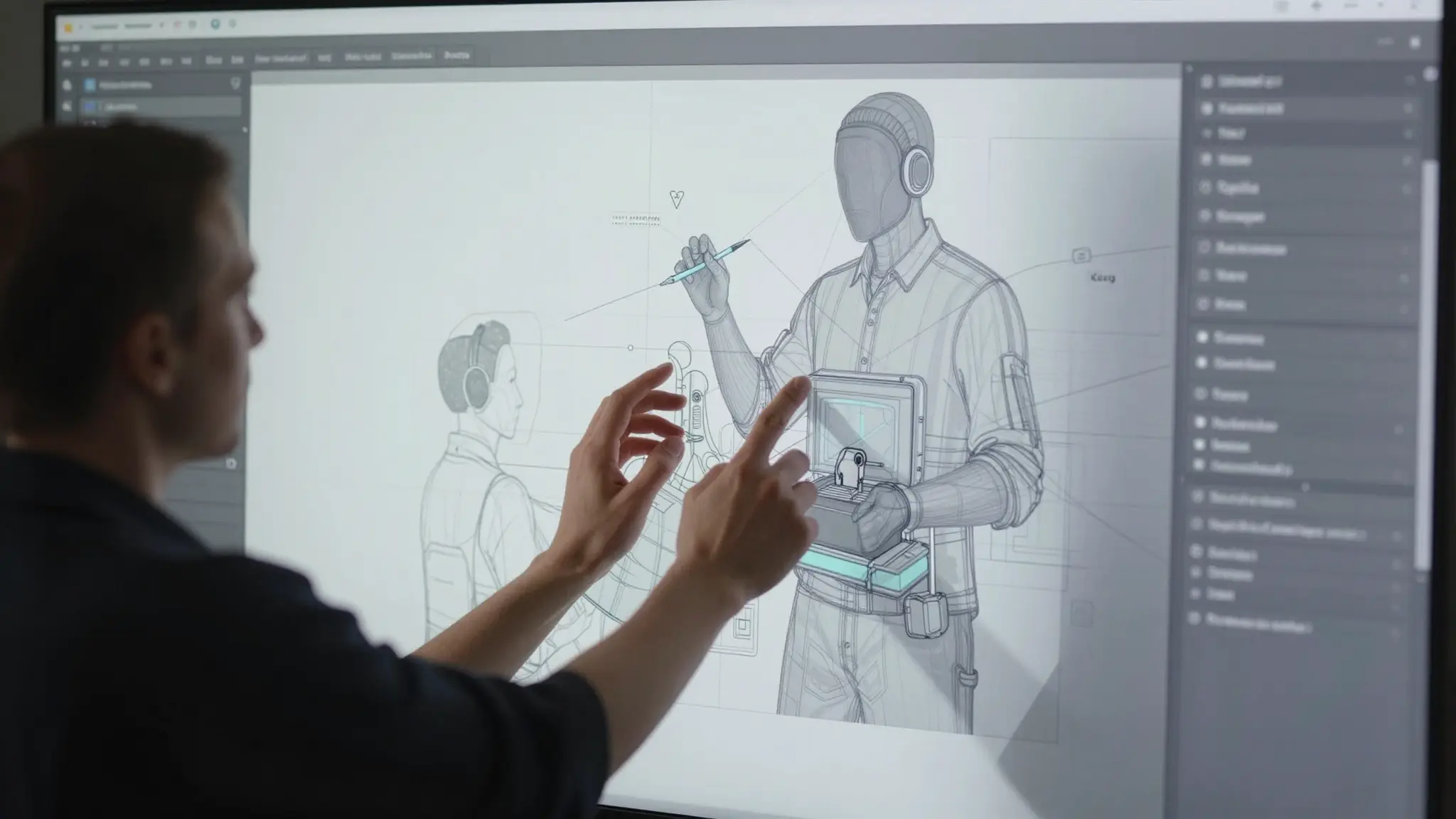
Generative AI is undergoing rapid maturation. We started with image generation, then moved to interface generation. Today, we are generating the tools that create interfaces.
5.1 The Success and Impact of SWARM Mode
SWARM mode caused a significant stir recently. It allowed multiple agents to work together simultaneously. The application surpassed one hundred thousand users because of it.
Agents designed interfaces in parallel and at speed. This saved considerable effort for small technical teams. The result was a massive increase in production speed.
5.2 The Next Generation: Building Design Tools
The Code on Canvas feature represents the next generation. The agent no longer just designs the interface for you. It now builds the tool that suits your workflow.
This shift directly transfers technical authority to designers. You don’t need to wait for software developer updates. Your tool evolves according to your individual project requirements.
This evolution towards tool building positions us for a new working method entirely reliant on vibe-coding.
The AI Design Tool at the Innovation Hub: A Vibe-Coding Workflow
Vibe-coding is a term taking the market by storm. It relies on directing agents rather than writing code. The design tool is the central instrument here.
6.1 Integrating Claude Code with Pencil
The integration of Claude Code completely changes the game. You can speak to the agent directly via the command line. The agent reads design files and makes the required modifications.
In a complex project, I requested a change to the contrast system. The agent modified system files and updated the canvas instantly. I didn’t write a single line of code myself.
6.2 Pencil as the Central Platform
This integration makes the tool a hub for technical operations. Design, programming, and state management converge in one place. The developer and designer view the same technical reality.
Projects become faster and more stable than ever. Human errors in design transfer are gradually disappearing.
This innovation hub requires a precise understanding of server management to avoid sudden workflow collapse.
Managing MCP Servers to Avoid Design File Conflicts
In a banking project, we faced a critical technical issue. We were using the Claude agent to modify interactive components. Simultaneously, the designer was moving elements manually.
This synchronization repeatedly led to corruption of .pen files. The agent and the program tried writing at the same moment. Hours of work were lost due to save conflicts.
The solution was adjusting the local MCP server settings. I programmed a mini-mediator that managed the modification queue. The mediator prevented the agent from writing during manual edits.
This simple adjustment saved the entire workflow. File corruption rates dropped to zero percent. AI tools are powerful, but they need precise engineering guidance.
The End of the Design-Code Gap
Modern design tools integrate human minds with machine capabilities. We are not abandoning creativity; we are multiplying its speed. The AI design tool erases the boundaries between disciplines. Start today by experimenting with building one custom tool. Are you still relying on manual exports between your teams?
Discover more from أشكوش ديجيتال
Subscribe to get the latest posts sent to your email.
![3 مراحل لتأسيس الهوية البصرية من استراتيجية العلامة [دليل]](https://hcouchd.com/wp-content/uploads/2026/08/file_0000000023d8822f8e619d5632f35c74-1024x576.webp)
![هل يتحول تصميم AirPods بالكاميرات من نكتة لأيقونة؟ [تحليل]](https://hcouchd.com/wp-content/uploads/2026/08/file_0000000041d88230aa3a1289b00f19f3-1024x576.webp)
![أفضل خطوط PowerPoint لتصميم عروض تقديمية احترافية [60 خط]](https://hcouchd.com/wp-content/uploads/2026/08/file_000000008b6481fd91951ad979a42aab-1024x576.webp)