Applying AI for designers does not eliminate the need for a solid artistic sense. Ultra-fast output generation is now a reality. However, making the right visual decision is the fastest path to excellence.
During my creative direction work, I notice a recurring pattern with new generative tools. Many believe typing text prompts is enough to produce complete work. The problem is not technical output. It is the lack of visual discrimination. I see juniors generating dozens of options in minutes. Then they choose the worst version to present to the client. This happens because they haven’t built their internal visual library yet. I personally presented a generative design filled with inconsistent shadows in one project. I discovered the flaw after the client meeting because I was blinded by the generation hype. You can easily delegate execution to the machine. But you can never delegate taste.
- AI for designers: From screen execution to the orchestration layer
- Why taste cannot be delegated to the model
- Building a hybrid workflow: How to distribute tasks between you and the agent
- Measuring the impact of AI on workflows without self-deception
- Creative direction strategies from 10 years of managing the TwiceBox agency
- Experience Summary
AI for designers: From screen execution to the orchestration layer
The core task of the designer has shifted from drawing screens manually to orchestrating work between intelligent agents. The real battle today is not about optimizing build speed. It is about directing the system.
The work didn’t vanish, it just fell one layer down
The interface is no longer limited to static screens inside Figma. Interaction now includes voice commands and direct conversations. The value of drawing elements step-by-step has stepped back. True value now lies in engineering interactions and guiding system behavior. You can explore studies on delegating taste and the orchestration layer to understand this operational shift.
The practical difference between execution and orchestration
Designers used to spend two hours adjusting alignment and distributing elements. Now, models handle these routine tasks in seconds. The human role remains confined to evaluating results and choosing the best fit. In an e-commerce client app, we reduced card production time by 60%. We used the saved time to review layout and accessibility.
Why everyone keeps optimizing the old way
Most current discussions focus on speeding up traditional drawing tools. This thinking reinforces old mechanisms instead of embracing radical change. We need to build critical standards for evaluating generated outputs quickly. Without these standards, we will drown in massive amounts of mediocre designs. Changing our mindset toward tools leads us directly to the unique human advantage.
Why taste cannot be delegated to the model

Models rely on calculating probabilities to give you the most common result. Human taste requires deep knowledge of proportion, scale, and art history.
Taste begins with knowing what looks good
Proper visual judgment forms over years of continuous visual feeding. Studying typography and understanding color theory gives you the required internal reference. The model has no aesthetic sense. It merely aggregates past data. Therefore, generated work without your touch looks beautiful at first glance but feels empty later.
Hesitant designers don’t lack confidence
Hesitation in choosing the right design does not mean weak personality. It results from lacking a clear internal reference for measurement. When working with many generative options, distraction increases. A designer with a strong reference rejects ninety percent of options immediately.
The model produces the average, and taste demands the exception
Generative algorithms always lean toward safe, middle-ground solutions. This leads to similar digital products and lost visual identity. Breaking this slide requires a designer daring enough to make unconventional decisions. An article on the end of AI committee design discusses how individual vision protects product quality.
This visual differentiation requires us to set specific operational rules when dealing with agents.
Building a hybrid workflow: How to distribute tasks between you and the agent
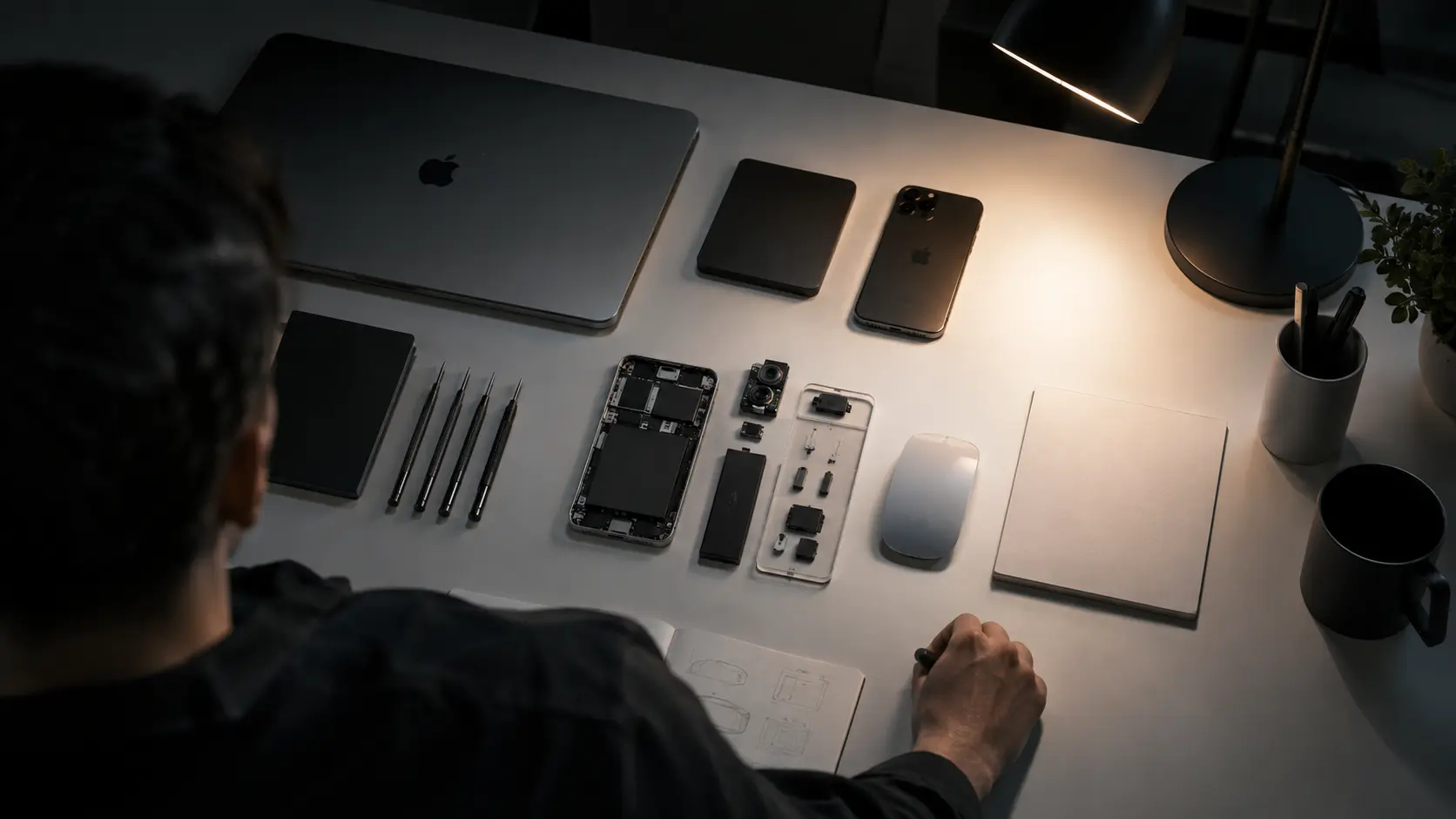
A hybrid workflow relies on dividing duties with clear boundaries. You benefit from machine speed while ensuring human superiority in critical decisions.
What you delegate and what you keep for yourself
Delegate repetitive tasks like resizing or generating placeholder text. Use Claude to generate different use cases quickly. But keep the full user journey study and system architecture for yourself. Decisions carrying your name and company reputation cannot be delegated.
Designing with web standards as an umbrella for working with models
Smart models rely on established rules to achieve accurate results. Using semantic HTML standards and accessibility rules makes outputs actionable. In a dashboard restructuring, automatically defining the component system reduced coding errors by 45%. Standard rules protect the design from generative randomness.
Documentation as an orchestration layer, not a dead document
Record design decisions and context in permanent reference files. Feed this record to the model before starting any new task. This step reduces misunderstanding and saves guidance time. Documentation transforms here into an effective steering tool for AI.
Applying this strategy requires us to review production results away from fake marketing numbers.
Measuring the impact of AI on workflows without self-deception
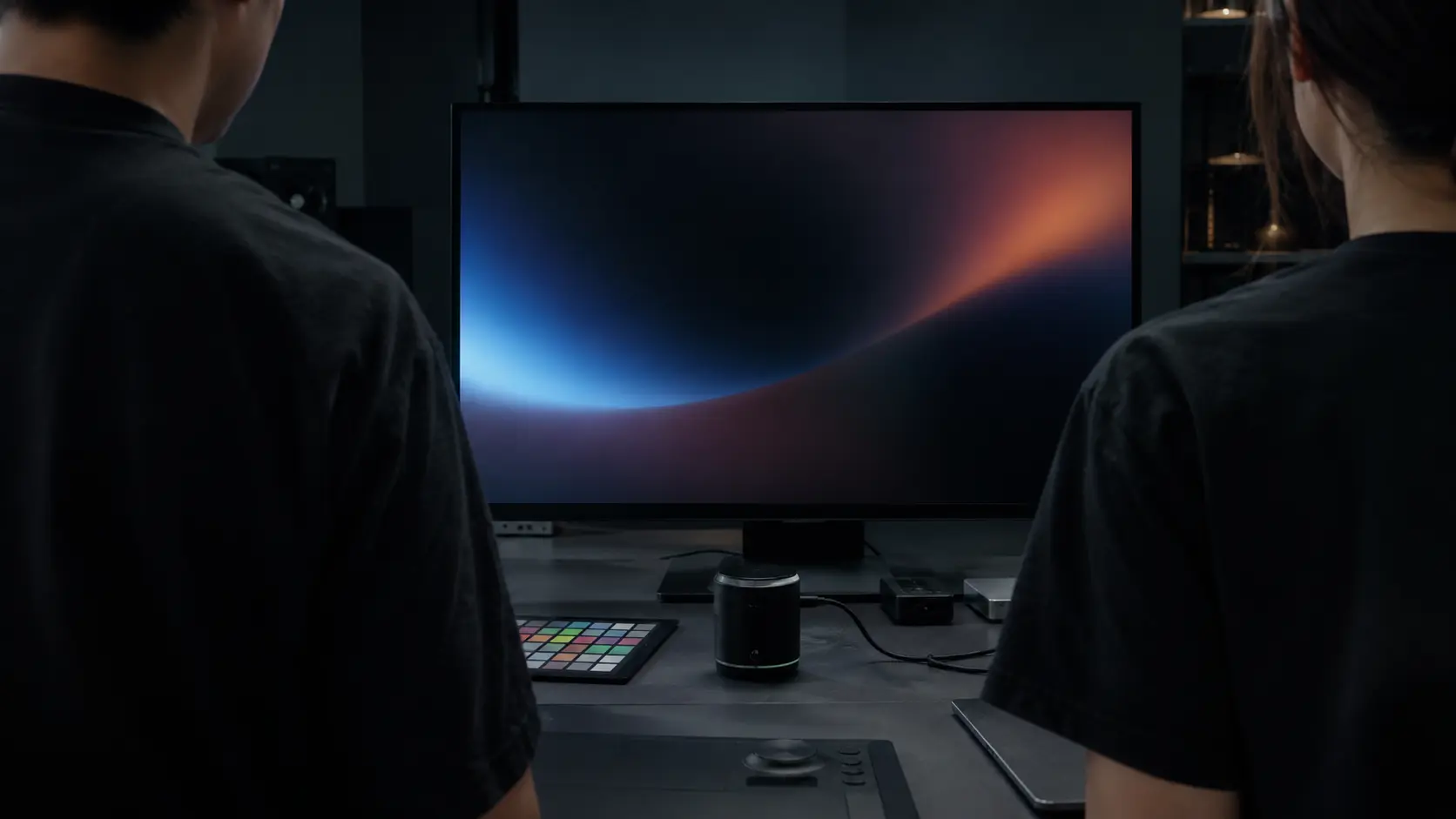
Evaluating success does not stop at the number of options you generate per minute. The true metric is the final product’s quality and its ability to endure.
The unfulfilled promise of the fifteen-hour workweek
New tools promise to save most of your weekly working hours. In reality, the saved time is used to produce more chaos. Instead of finishing work early, the designer finds themselves reviewing hundreds of weird images. Managing this production explosion requires strict discipline in prioritizing.
Sustainability as a default, not an exception
Your design decisions must include long-term sustainability considerations. Over-reliance on rented tools might raise operational costs. Choose tools that integrate seamlessly with your core software. Focusing on efficiency ensures continuous workflow quality.
The Kintsugi problem: When design becomes the organization
When design melts into the technological structure of the organization, new risks emerge. The team might abandon critical thinking in favor of fast outputs. Maintaining intellectual independence protects the design identity from full assimilation. The human decision remains the ultimate guardian of user experience quality.
Measuring the true impact ensures the continuity of your professional development away from false drift.
Creative direction strategies from 10 years of managing the TwiceBox agency
During the past decade managing TwiceBox, I tested dozens of tools promising to eliminate the designer’s role. From early generative engines to modern language models, the flaw always appeared in the quality control stage.
I remember a tech sector client project where we used Midjourney for initial visual concepts. We got 120 options in half an hour. The team felt excited, but we spent 8 hours filtering one usable option.
The lesson I learned was harsh but crucial. Introducing automated generation without a precise design system doubles work time instead of shortening it.
Now we always define visual rules, color palettes, and fonts beforehand inside Figma. Then we feed the model these strict constraints. This simple step reduced review time by 50% and ensured identity consistency.
Frequently Asked Questions
What is the role of AI for designers in developing user interfaces?
It plays a pivotal role in reshaping user experience. The focus shifts from screens to engineering interactions via voice and chat. Tools act as an organizational layer helping designers automate tasks. This allows them to focus on critical thinking and building precise experiences.
Is the cost of relying on AI for designers high?
Costs vary based on the tool type and team size. Free features are built into core design software. Advanced tools require monthly subscriptions. These investments determine future operational costs by accelerating workflows.
What is the difference between AI for designers and traditional design?
Traditional design relies on creating visual interfaces and static screens. Modern work focuses on designing system behaviors. Interaction is no longer limited to the screen. It extends to voice commands. This requires thinking about system response and adaptation.
How can AI for designers be utilized in workflows?
You can start with intentional and gradual experimentation. Use it in research phases or user data analysis. Apply clear frameworks that help you regain control. The system becomes an assistant that speeds up your work without canceling critical thinking.
Is it safe to delegate taste and creative decisions to AI?
Taste and creative sense cannot be delegated to machines. Taste stems from experience, studying proportions, and distinguishing quality. Technology provides options and speeds up execution. However, the final judgment remains the designer’s sole responsibility.
Experience Summary
Technology does not build human taste. It tests its existence. Your role today transforms from a mere screen executor to an engineer managing the entire workflow. Start today by defining a list of routine tasks you can immediately delegate to smart agents.
Do you trust smart models to choose the final visual concept for your next client? Or do you see them merely as fast executors?
Discover more from أشكوش ديجيتال
Subscribe to get the latest posts sent to your email.