

Spending hours debugging a cryptic code error is common. But discovering that the react-helmet SEO library is silently destroying your site’s indexing? That’s a true nightmare.
It was Friday, 2 AM. The official launch of a major e-commerce store for one of our agency clients, TwiceBox, was approaching. I uploaded the project, built with React 18, with confidence. Everything looked perfect on my local machine. But once I tested the live URL, problems began to surface. The client complained about missing product images and descriptions when sharing links. I opened the search engine reports to face the worst possible scenario. Meta tags were completely empty. Search bots were bypassing them, unread.
Three hours were lost tracing this strange bug. I discovered that relying on this outdated library had become a silent trap. Its conflict with the concurrent rendering architecture had completely ruined indexing. I didn’t have time for patches or workarounds. I immediately removed it and replaced it with the Power-SEO React library. Thanks to its strict architecture, I configured the store’s default settings once. Just four lines of code radically solved the problem. I saved the indexing of 200 product pages from being lost. They were indexed immediately, and I delivered the project on time that morning.
- A Hidden Problem: Why react-helmet Fails in the Modern React Ecosystem
- Additional Risks: Silent Errors in react-helmet SEO
- React 19’s Revolution: Native Head Management
- The Optimal Solution: Power-SEO React as a Modern Alternative
- Advanced Features: hreflang Support and Configuration Flexibility
- Lessons Learned: Library Maintenance and SEO Security
- The Illusion of Clean Code: How Linters Deceive in Production
- Conclusion
A Hidden Problem: Why react-helmet Fails in the Modern React Ecosystem
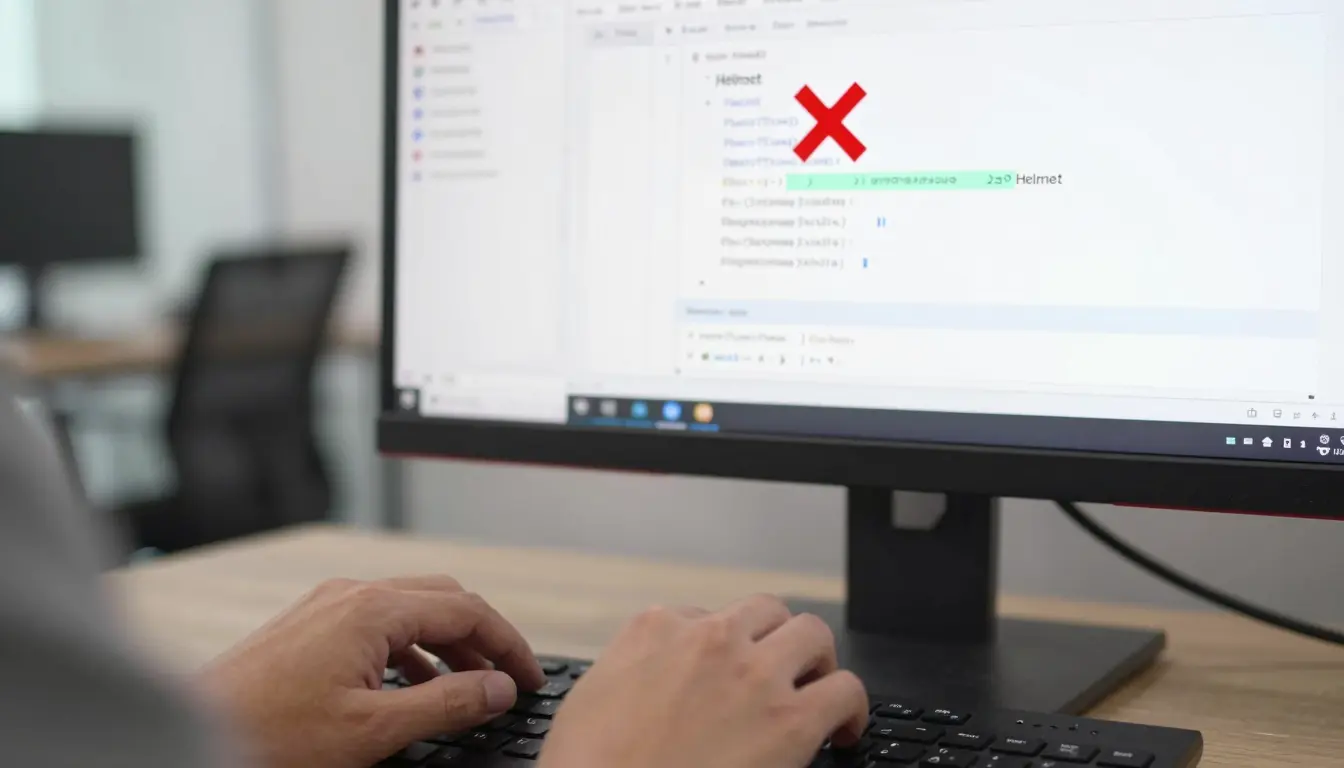
The Problem Emerges: From Local to Production
Development locally often feels smooth. You write your meta tags and confirm their presence. You confidently upload the project to the production server. Then, you test the live URL with Lighthouse and are shocked by the results.
You discover the page description and Open Graph image are completely missing. Google Search Console confirms this technical disaster. Search bots crawl empty tags devoid of data. All the effort put into content optimization is wasted.
The Root Cause: Conflict with Concurrent Rendering
The library was built before concurrent rendering emerged. React 18 introduced this model to accelerate UI performance. The library’s DOM manipulation layer competes with the framework’s engine.
This race results in hydration mismatches. Tags are rendered on the client side too late. The search engine crawler has already read the page and left. The outcome is a blank page with no metadata indexed.
Lack of Updates: The Unknown Future of react-helmet
The library’s official repository hasn’t seen significant updates recently. The last substantial commit dates back to 2022. Core developers moved on to other projects, leaving it to its fate.
Meanwhile, the development ecosystem continued its rapid evolution. Relying on a neglected tool severely threatens your future projects’ stability. Your tools must align with the latest performance and security standards.
This architectural failure opens the door to more subtle and destructive risks.
Additional Risks: Silent Errors in react-helmet SEO
Handling Raw Strings: A Typo Trap
The library’s most dangerous flaw is accepting raw string variables. Imagine mistyping “preveiw” instead of “preview.” TypeScript won’t catch this simple error during coding.
Linters won’t issue any warnings or alerts. The project builds successfully and reaches the live production environment. The result is the silent destruction of your site’s rich search results. These errors remain hidden for months before accidental discovery.
Absence of App-Level Defaults
The outdated library forces you to manage each page’s tags independently. There’s no built-in way to set global default settings for the project. Forgetting an og:image on one page creates a significant flaw.
This inconsistency only appears months later in search reports. Managing hundreds of pages this way wastes time and effort. Every new page requires rewriting the same repetitive code structure.
To eliminate this chaos, a radical change in the framework’s structure was necessary.
React 19’s Revolution: Native Head Management

Native Element Hoisting: Goodbye Manual Manipulation
Version 19 fundamentally changed the game for developers. title, meta, and link elements now hoist automatically. They are moved to the Document Head natively.
You no longer need external libraries for this DOM manipulation. This update marks a qualitative leap in modern web application stability. The framework itself now handles this sensitive task efficiently.
React 19’s Conflict with react-helmet
This native shift created a direct conflict with older libraries. The library’s manual manipulation mechanism clashes with the framework’s native behavior. The result is duplicate tags and rendering order issues.
If you enable SSR, hydration warnings will pile up in the console. The old tool became a performance impediment instead of an improvement. Trying to reconcile both systems leads to highly unstable code.
Given this clear architectural conflict, seeking a modern alternative became imperative.
The Optimal Solution: Power-SEO React as a Modern Alternative
Compatibility with Vite and React 18/19
After numerous experiments, I found my solution in Power-SEO React. This modern library is intelligently designed for recent architectural changes. It works seamlessly with fast, lightweight Vite projects.
It fully supports React 18 and 19 environments without conflicts. It’s built around the native head element hoisting feature. It offers a radical solution to the hydration issues that plagued developers.
Type-Safe APIs with TypeScript Support
Farewell to raw string chaos and indexing-killing typos. The new library strictly relies on TypeScript-supported APIs. Allowed values are predefined to prevent potential human error.
Code won’t compile if you misspell a tag value. This level of safety effectively protects your site’s organic traffic. Migrating to strict tools reminds me of the importance of correct programming foundations. Just as I advised in an article on best PHP lessons for beginners, a strong foundation prevents project collapse.
App-Level SEO Defaults Management
The true power lies in the DefaultSEO component integrated into this library. You can set global configurations for all app pages at once. Define the default Open Graph image and site name easily and quickly.
Every new page automatically inherits these settings without extra intervention. If you forget a specific tag, the default system immediately protects you. This pattern saves hours of repetitive, tedious manual work.
This incredible flexibility in settings opens broader horizons for complex projects.
Advanced Features: hreflang Support and Configuration Flexibility

Built-in hreflang Support for Multilingual Sites
Managing multilingual sites was a real nightmare with older libraries. I manually wrote four tags per page for each supported language. With 200 pages and three languages, the human error rate soared.
The new library provides secure, built-in support for complex hreflang tags. This feature reduces indexing conflicts that Google silently ignores. This deficiency in handling multiple languages proves that your React app’s SEO is broken with old tools.
Overriding Defaults with Ease
High flexibility doesn’t mean losing control over individual project pages. You can clearly customize any page’s settings to override global defaults. Simply invoke the component on the page and pass only the new values.
You don’t need to redefine all meta tags from scratch again. This pattern saves development time and ensures accurate tracking and indexing data. It gives you complete control over each page’s appearance on search engines.
Through these deep technical updates, new convictions about project management have solidified.
Lessons Learned: Library Maintenance and SEO Security
React Ecosystem Evolution and Library Impact
The web development ecosystem changes rapidly, never forgiving laggards. A library once an industry standard is now costly technical debt. Major framework updates require tools compatible with their new architecture.
Clinging to old tools threatens long-term application stability. You must regularly monitor open-source library repository activity. Proactive updates prevent last-minute launch disasters.
The Danger of Raw Strings in SEO Settings
The false comfort of raw strings is a dangerous trap. An unseen typo is a bug that will destroy your organic traffic. Using safe, validated APIs isn’t a luxury but a critical necessity.
Input restrictions reduce silent errors in live production. Strict TypeScript types are your digital project’s first line of defense. Invest in tools that prevent errors before they happen.
The Value of Default SEO Settings
The app-level default settings pattern is invaluable. Setting configurations once and overriding them as needed simplifies future scaling. This approach reduces tedious repetition and potential human error.
Code maintenance becomes much easier when updating global site data. This methodology separates programming logic from SEO content. Adopting this pattern improves code quality and project delivery speed.
The Illusion of Clean Code: How Linters Deceive in Production
In a complex project, I was very proud of the clean code written. The project passed all quality tests and automated checks successfully. We deployed and celebrated the new platform’s timely launch. But two weeks later, I noticed Twitter cards were missing when sharing links.
I reviewed the code to discover a small disaster that ruined marketing efforts. I had typed “twiter:card” instead of “twitter:card” using a raw string. TypeScript didn’t complain, and the build engine never stopped the deployment. The misspelled word passed silently to live production servers.
Here, I realized traditional linters sometimes deceive us with false confidence. Relying on Power-SEO React, which enforces specific types, saves you. A typo now stops the build process immediately, demanding correction. Hcouch Digital was founded to share these harsh field lessons. Don’t leave your project’s indexing to the mercy of a single-character typo.
Conclusion
Updating SEO tools isn’t just routine library upgrades. It’s a strategic decision protecting your site’s visibility in organic search results. Migrating to modern tools permanently closes the door on silent, costly errors.
Review your current project files thoroughly. Are you still relying on outdated libraries for your meta tag management?
Discover more from أشكوش ديجيتال
Subscribe to get the latest posts sent to your email.
