BigCommerce transactional emails achieve open rates eight times higher than promotional messages. This hard number is definitely not marketing fluff. It is a statistical reality that most store owners ignore. I once worked with a client haunted by abandoned carts for months. He spent his entire ad budget to attract visitors. Then their orders suddenly stopped at the checkout line. We tracked their customer journey to find the root cause. The actual problem was not their pricing strategy. It was the silent confirmation messages that caused issues. These emails felt like they were written by a cold machine in the seventies. I felt embarrassed because I missed this obvious flaw for too long. That experience completely changed our approach to purchase experience management. We realized that humanizing BigCommerce transactional emails is not a cosmetic luxury. We rewrote the order confirmation flow to be fast and clear. The new tone offered genuine warmth to buyers. It reassured customers and encouraged them to return. The result was more than just lower cancellation rates. The client shifted from chasing new visitors to easily selling to his existing base.
- Understanding BigCommerce Transactional Email Types and Their Importance
- Automating and Customizing Store Emails with Salesmate CRM
- Design and Content Best Practices to Boost Sales
-
What Customer Data Tells You That Standard Analytics Miss
-
Frequently Asked Questions
- What are BigCommerce transactional emails and how do they work?
- Are BigCommerce transactional emails completely free for subscribers?
- What is the difference between transactional and marketing emails?
- How can I customize and edit BigCommerce transactional emails?
- Are BigCommerce transactional emails secure and deliverable?
-
Frequently Asked Questions
- Final Thoughts
Understanding BigCommerce Transactional Email Types and Their Importance

BigCommerce transactional emails form the backbone of post-purchase communication. They are automated messages that customers expect after a specific action.
Core Transactional Email Types for Your Store
Five main types are absolutely essential for any store. The order confirmation message is the first contact after checkout. It instantly provides a reference number and purchase details. The shipping confirmation message eases waiting anxiety. It includes a tracking number and an expected delivery date. The cancellation confirmation message acknowledges the request clearly. It also outlines the refund policy without ambiguity. The feedback request message arrives days after product delivery. Its goal is to collect genuine reviews that boost credibility. The password reset message seems purely technical. Yet it represents a critical security moment. A simple and direct design prevents frustration. It also stops customers from leaving your store permanently.
The Secret Behind High Open and Conversion Rates
BigCommerce transactional emails achieve open rates eight times higher than promotional campaigns. This happens because they answer a pressing customer question. Buyers constantly wonder where their package actually is. The fatal mistake I see repeatedly is treating these as dry notifications. Ignoring personalization wastes a golden relationship-building opportunity. I placed the customer name and order details at the core of each message. I added a warm tone that reflects the brand personality. The result was a noticeable spike in internal link clicks. These messages are far more than digital receipts. They are smart tools for building trust and construct a solid bridge with every single buyer.
Automating and Customizing Store Emails with Salesmate CRM
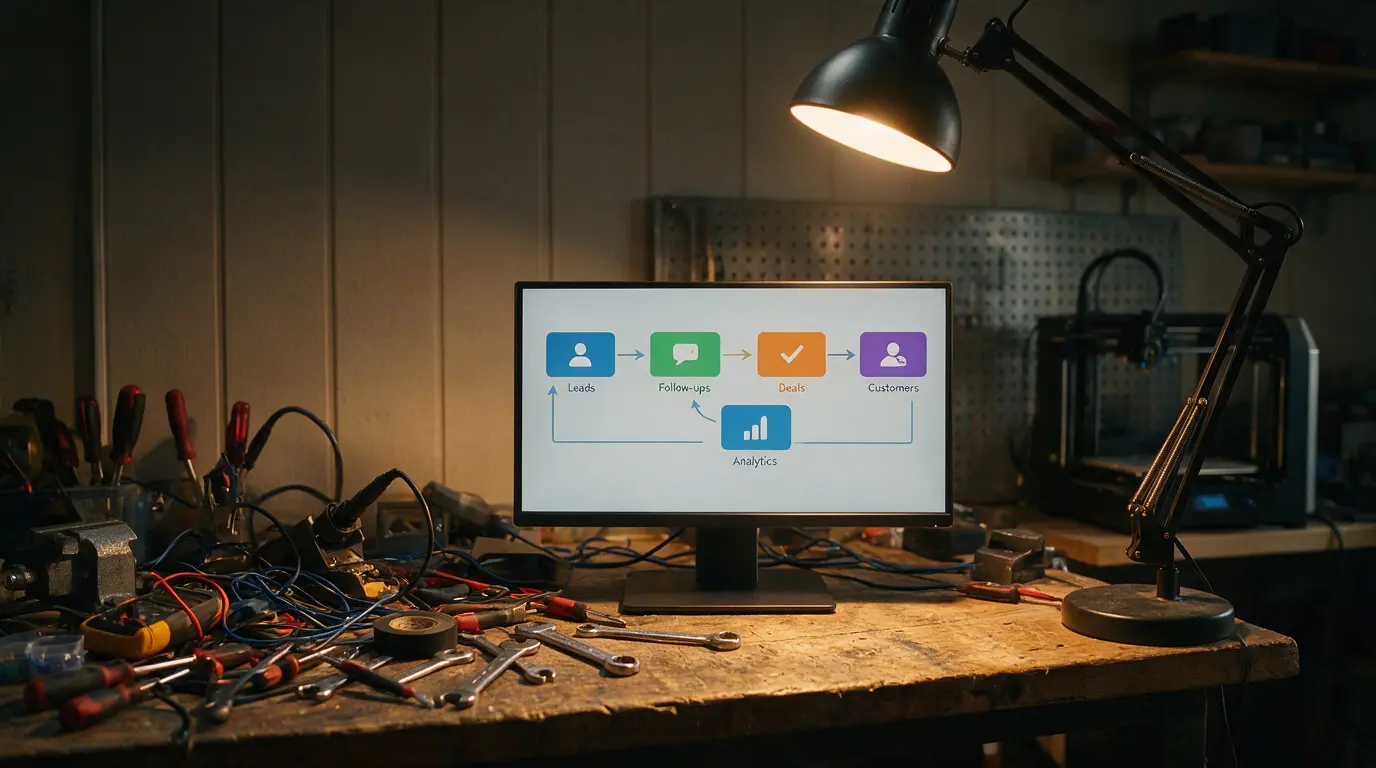
The native BigCommerce editor is severely limited. It only supports basic text without professional design. This is where external automation tools become essential. I strongly recommend using Salesmate CRM specifically. Its Smart Emails feature handles complex workflows beautifully. You can access it directly via Dashboard. Then navigate to Email Marketing and select Smart Emails. This dashboard lets you build rich dynamic templates. You will quickly forget the pain of manual copy-pasting. I once saved three hours of manual work using this feature. I created a single order confirmation template. It automatically pulls customer data from the database. I felt like the machine was doing my job better. That is the true goal of automation. It frees your time for growth strategies. It removes tedious copy-paste tasks from your daily routine.
Setting Abandoned Cart Triggers with Precise Timing
Configuring an abandoned cart trigger requires surgical timing precision. The golden rule is simple. Send the message within sixty minutes of cart abandonment. Delaying for hours makes customers seek alternatives. It also cools their purchase enthusiasm completely. This frustrates me deeply when I see stores delay for six hours. In Salesmate CRM, I configure an automated workflow. It instantly detects the cart abandonment event. The system captures the abandoned items immediately. It then generates a personalized message with product images. I add an exclusive discount code to encourage return. The results I achieved with clients were consistent. We recovered at least fifteen percent of abandoned carts. This is not magic. It is the direct result of precise timing and smart messaging.
Design and Content Best Practices to Boost Sales

Design and content are two sides of the same coin. A professionally designed email with cold text will fail.
Integrating Dynamic Tokens and Visual Hierarchy
Using dynamic tokens like {{first_name}} and {{product_recommendation}} is powerful. Yet it carries significant risk. The common mistake is using tokens that mismatch your database fields. The result is awkward empty spaces in the text. This completely destroys your credibility. I always verify that every token matches the correct Salesmate CRM field before launch. Visual hierarchy guides the reader’s eye toward key elements. I apply a simple structural rule. A clear main headline comes first. Next come the order details. Finally, a contrasting CTA button sits at the bottom. White space separates sections for faster visual scanning. This structure makes the email readable in under five seconds. This approach separates successful automation campaigns from neglected ones.
Crafting Short Subject Lines and Creating Urgency
The subject line is your first battle for opens. I strictly keep it under fifty characters. I use direct verbs and state the benefit clearly. For example, use “Confirm order #1024” instead of generic thanks. Scarcity and urgency triggers activate purchase motivations. They work even in automated messages. For abandoned carts, I add a line like “Stock is running low.” I sometimes include a countdown timer for the discount. This style raises conversion rates noticeably. I use it with extreme caution. I never want the store to feel like a discount circus.
What Customer Data Tells You That Standard Analytics Miss
Standard analytics tools only give you raw numbers. They do not explain why a customer deletes a shipping email. In one project, I noticed strange drops in tracking link clicks. The emails were opening at excellent rates. I dug deeper into the Salesmate CRM data. I discovered that forty percent of customers opened messages on mobile. The problem was a tiny tracking button. It practically disappeared on small screens. We doubled the button size. We also changed the color to bright orange. Tracking link clicks jumped by thirty-five percent the next week. The lesson is clear. Raw data alone is never enough. You must live the actual customer experience. You need to understand their real behavior. BigCommerce transactional emails are not just notifications. They are golden chances to read customer behavior. They allow you to improve every step of the journey. Do not trust superficial reports alone. Open the emails yourself on different devices. Watch exactly where interaction stops. These small details create the difference between an average store and a loyal brand.
Frequently Asked Questions
What are BigCommerce transactional emails and how do they work?
They are automated messages sent after specific customer actions. These actions include purchasing, shipping updates, or password resets. The goal is to keep customers fully informed. They boast exceptionally high open and click rates. This performance far exceeds standard promotional campaigns.
Are BigCommerce transactional emails completely free for subscribers?
Yes, the native feature is free across all plans. However, customization options remain very basic. You will need an external app for interactive designs. Tools like Omnisend or Salesmate CRM fill this gap. They are available in the official app marketplace.
What is the difference between transactional and marketing emails?
The core difference lies in purpose and delivery. Transactional emails trigger from direct customer actions. Customers expect them and consider them essential. Marketing emails are promotional broadcasts. They target broader audiences to announce new offers.
How can I customize and edit BigCommerce transactional emails?
The basic method uses the native dashboard. Navigate to Marketing and select Transactional Emails. You can only edit plain text here. The professional approach requires an external integration. I recommend Salesmate CRM for drag-and-drop design. It ensures consistent branding across all touchpoints.
Are BigCommerce transactional emails secure and deliverable?
They are inherently secure for transaction data. However, inbox placement requires proper configuration. Use dedicated subdomains for email sending. Configure SPF, DKIM, and DMARC protocols correctly. This prevents your messages from landing in spam folders.
Final Thoughts
BigCommerce transactional emails are not mere updates. They are your only chance to build real trust. This happens right after the purchase button click. Ignoring customization silently leaks your revenue. Start today by reviewing your confirmation email. Open it on your smartphone. Does it sound like a human wrote it? If not, you have found your first improvement step. Are you still using the default editor? Or have you moved to external automation? The choice defines your store’s future.
Discover more from أشكوش ديجيتال
Subscribe to get the latest posts sent to your email.
![ضاعف أرباح إعلانات Google Ads للفروع المتعددة [5 أسرار]](https://hcouchd.com/wp-content/uploads/2026/09/file_0000000060c081f58e0e7cfa4922ea6d-1024x576.webp)