
![إيقاف ChatGPT Atlas في 9 أغسطس ونقل المزايا [اكتشف البديل]](https://hcouchd.com/wp-content/uploads/2026/09/file_00000000456881f58db126d93fe0177c-1024x576.webp)
Technology options change rapidly in the modern digital workspace. The recent decision regarding discontinuing ChatGPT Atlas highlights this massive shift clearly. Early in my career, I spent two full days building a custom interface for a specific sub-program. The company abruptly canceled the application just one week later. We witnessed the exact same scenario with a major client when their favorite app was discontinued. The entire team panicked as if all work would completely stop. The truth is that merging scattered tools into a single application significantly reduces distraction. It is simply a workspace reorganization designed to become much more efficient.
- Discontinuing ChatGPT Atlas on August 9: What It Means for Browser Users
- Where Do ChatGPT Atlas Features Go? The Desktop App Unites Work and Codex
- Practical Alternatives After Discontinuing ChatGPT Atlas: Chrome and Available Extensions
-
Managing AI Tools: A Lesson From Ten Years of Reducing Distraction
-
Frequently Asked Questions
- What does the decision to discontinue ChatGPT Atlas by OpenAI mean?
- Does discontinuing ChatGPT Atlas incur extra costs for using the alternative?
- After discontinuing ChatGPT Atlas, what is the difference between the new desktop app and the Chrome extension?
- How can I access browsing and AI features after the August 9 date?
- Is the ChatGPT desktop app a reliable alternative to the standalone browser?
-
Frequently Asked Questions
- Your Next Step Today
Discontinuing ChatGPT Atlas on August 9: What It Means for Browser Users

The standalone browser service will completely stop very soon. The company officially announced the final deadline for shutting down this specific tool.
The Official Date and OpenAI Confirmation via X
James Sun from the OpenAI team confirmed the decision via the X platform. The targeted date for deprecating the browser is August 9.
You can follow the details through Search Engine Land’s coverage of the official decisions. Additional alerts will reach users via email and directly inside the application itself.
Why Is OpenAI Stopping a Standalone Browser?
The company originally launched the browser on Mac devices last October. They added integrated browsing features in April before making the final merger decision.
Maintaining a standalone browser requires massive and highly impractical engineering effort. Unifying capabilities within the core platform provides a much faster user experience.
In one complex development project, we faced severe slowdowns due to using four separate tools. We merged these tasks into a single application, reducing synchronization errors by thirty percent.
This strategic shift in tool structure paves the way for centralizing services inside the main platform.
Where Do ChatGPT Atlas Features Go? The Desktop App Unites Work and Codex
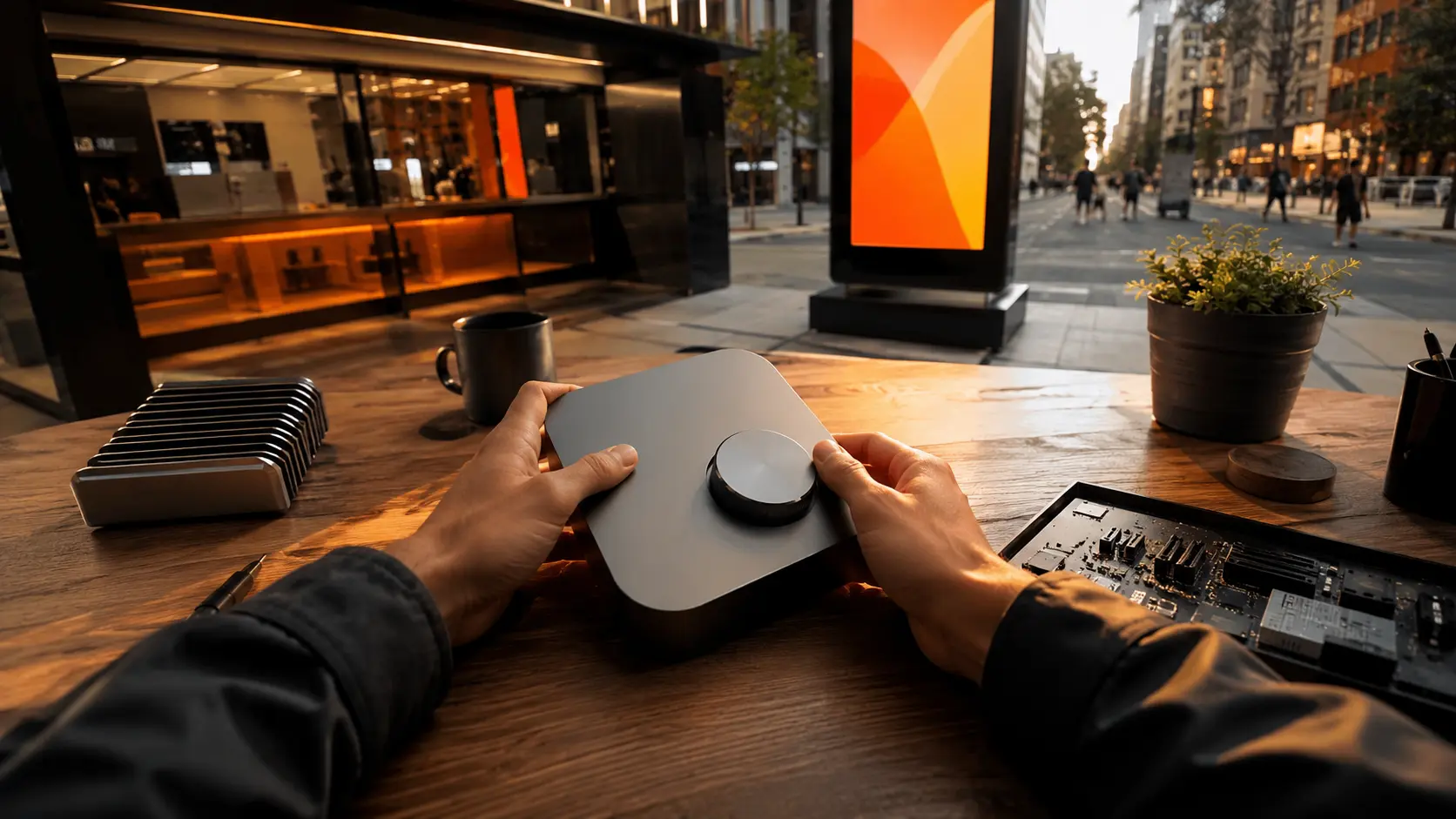
The desktop application becomes the primary hub for all services. All previous features move directly to the newly unified interface.
ChatGPT Work: The Task Agent Inside One App
The Work agent executes complex tasks directly within the application. You no longer need a dedicated browser to run this powerful agent.
The system handles data directly from the desktop platform. This drastically reduces the need to switch between different windows during your daily work.
ChatGPT Codex: The Integrated Coding Environment
The Codex tool transformed from a standalone application into an integrated component. Developers can now write and review code within a single workspace.
This seamless integration saves significant time during bug verification. The response becomes much faster compared to relying on scattered external tools.
The Integrated Browser: Search and Browse Without Leaving ChatGPT
The built-in browser allows research directly during the conversation. This feature eliminates the need to open a traditional side browser window.
This step reminds me of organizing marketing channels. It is similar to automating service SMS messages for e-commerce to ensure direct access without distraction.
During a content review for a client, we cut the research time in half. We relied on integrated search instead of opening forty scattered tabs.
Transitioning to a unified platform pushes us to explore available alternatives on regular browsers.
Practical Alternatives After Discontinuing ChatGPT Atlas: Chrome and Available Extensions

Stopping the service does not mean you completely leave the AI environment. Quick solutions are available to maintain your daily workflow.
The ChatGPT and Codex Extension for Chrome
The company provides an official extension specifically for the Google Chrome browser. This extension lets you use AI capabilities without leaving your current browser.
You can access Codex and advanced search with a single click. This option perfectly suits those who prefer working inside traditional browsers.
What If You Use a Different Browser?
If you use Safari or Firefox, the desktop application is the most suitable solution. The unified app ensures performance stability and fast response times.
You can easily run the application alongside any other browser. This combination provides complete flexibility for managing your daily tasks.
Transition Steps Before August 9
Save your bookmarks and important data from the old browser right now. Install the new desktop application on your device and test the integrated features.
Install the Chrome extension if you rely on traditional browsing. This step ensures your projects do not face disruption when the tool closes.
We worked with a marketing team to move their workspace last month. The transition completed in just two hours without any project workflow interruptions.
Understanding these alternatives helps you organize your digital tools safely and practically.
Managing AI Tools: A Lesson From Ten Years of Reducing Distraction
I learned during my digital career that relying on many sub-tools harms productivity. Software constantly changes, and companies always seek simplification.
When you build your workflow on a separate application, you risk reorganization later. The best approach is focusing on stable and core platforms.
Merging features into a single program saves time and effort tangibly. Do not regret the closure of a tool. Instead, exploit the new platform to increase your efficiency.
Frequently Asked Questions
What does the decision to discontinue ChatGPT Atlas by OpenAI mean?
This decision means the standalone browser will be unavailable after August 9. The company decided to merge browsing and AI capabilities inside the main desktop application.
Does discontinuing ChatGPT Atlas incur extra costs for using the alternative?
There are no extra costs associated with this transition. It only involves changing the approved tool, as features are now integrated inside the free desktop app.
After discontinuing ChatGPT Atlas, what is the difference between the new desktop app and the Chrome extension?
The desktop app gathers all tools like the work agent and coding tool in one platform. Meanwhile, the Chrome extension provides access directly inside Chrome for those avoiding app installations.
How can I access browsing and AI features after the August 9 date?
You can install the new desktop application to use all browsing and search features. Alternatively, install the official Google Chrome extension to continue working inside your current browser.
Is the ChatGPT desktop app a reliable alternative to the standalone browser?
Yes, the new app is a more stable and comprehensive solution. It provides a centralized workspace combining search, coding, and task agents without switching between scattered programs.
Your Next Step Today
The new integration of AI services reduces digital clutter on your device. Download the desktop application now and transfer your important data immediately.
Will you switch to the new desktop application today, or wait until the night of August 8 like I usually do?
Discover more from أشكوش ديجيتال
Subscribe to get the latest posts sent to your email.
![اربط حملات Demand Gen ببيانات الأعمال [دون Merchant Center]](https://hcouchd.com/wp-content/uploads/2026/10/file_000000006ee0820d8e6f2e39828222cd-1024x576.webp)
![إطلاق تحديث AI Overviews لزيادة نقرات موقعك [أهم الأخبار]](https://hcouchd.com/wp-content/uploads/2026/10/file_00000000b58881f5b3423f2d1585d9ee-1024x576.webp)
![ضاعف أرباح إعلانات Google Ads للفروع المتعددة [5 أسرار]](https://hcouchd.com/wp-content/uploads/2026/09/file_0000000060c081f58e0e7cfa4922ea6d-1024x576.webp)