

A standalone Kirki review completely changed my professional perspective. I used to believe WordPress builders must be slow. I worked on dozens of projects that collapsed under code bloat. I remember a commercial real estate project in London at four in the morning. The site crashed for the third time due to conflicting plugin scripts. Weeks of effort turned into bloated and sluggish code. I decided to start completely fresh. I installed lightweight tools and reviewed Kirki for the first time. It gave me full freedom for interface design. The tool provided an unlimited workspace. It instantly changed how I build WordPress templates. I gained complete control over fonts and colors. I completely removed ten heavy plugins that drained server resources. I delivered the final project eight hours early. The load speed was absolutely record-breaking. Full control over every detail always protects your digital agency reputation.
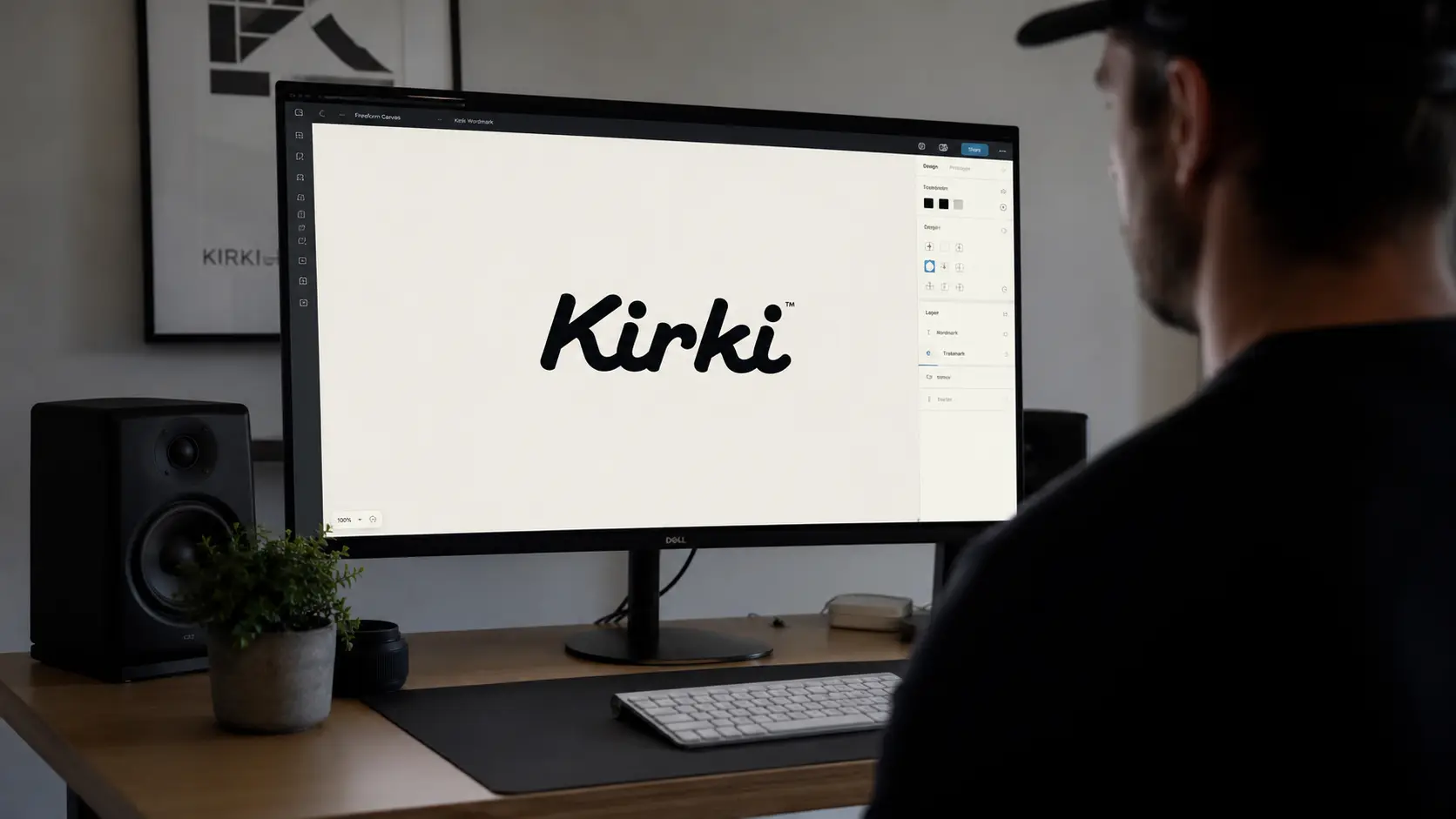
The Freeform Canvas is the single feature that transformed my design workflow. You can access it through the Canvas button on the top bar. I no longer force elements into rigid rows and columns. I now design freely like drawing on blank paper.
- Design Experience on the Infinite Canvas
- Why I Tired of Vertical Constraints in Other Builders
- Full Code Control via Developer Mode
- Managing Integrations and Marketing from One Place via App Integrations
- What Official Documentation Does Not Tell You About Switching Builders
-
Frequently Asked Questions
- What is Kirki for WordPress and how does it work?
- What are the costs and features of different Kirki review packages?
- What is the difference between Kirki and traditional page builders like Elementor?
- How can I convert Figma designs to WordPress via Kirki?
- Does this Kirki review offer a secure and reliable solution for improving web performance?
- Experience Summary
Design Experience on the Infinite Canvas
I recall a modern e-commerce project requiring a complex layout. I used the Freeform Canvas to move elements with total freedom. I overlapped product images to create visually striking compositions. I added multi-layered backgrounds without writing a single line of code. Every element became editable at the pixel level directly on the canvas. I felt like I was working in Figma instead of WordPress.
Why I Tired of Vertical Constraints in Other Builders
I spent years using traditional builders that enforced strict row structures. Every attempt to design outside the box hit frustrating limits. I was forced to split pages into sections and columns. This nested structure produced bloated code and slow websites. Kirki completely eliminated this struggle. I can place elements anywhere directly without intermediate structures. This creative freedom directly improves code quality. It leads us to the technical side that developers care about most.
Full Code Control via Developer Mode

Clean code separates professional sites from sluggish ones. This feature radically distinguishes Kirki from competitors. Every project I hand to development teams saves review hours. The Dev Mode makes this process completely smooth.
Activating Dev Mode to Preview CSS and HTML Code
Activation is incredibly simple. I just press the Dev key on the right panel. Full clean CSS and HTML code appears immediately. There are no unnecessary nested div tags. Every class and code line has a specific purpose. I can edit styles directly inside the editor. I never need to leave the workspace to adjust code.
Handing Projects to Technical Teams with Complete Smoothness
I recently worked with a backend development team on a new project. I handed over the complete frontend code without issues. The team received zero queries about style conflicts. I used Dev Mode to edit HTML directly. I removed any unnecessary debris before final delivery. The team finished API integration without understanding the builder. This technical smoothness highlights a critical lesson. Clean code is not a luxury. It is a strict necessity for project continuity. Clean code becomes even more valuable during integrations. It allows adding external tools without conflicts or bloat.
Managing Integrations and Marketing from One Place via App Integrations

Managing dozens of plugins exhausted me in WordPress. Each new plugin weighed down the site. It also increased the chances of technical conflicts. The App Integrations system in Kirki solved this problem. I now manage everything from a single location. Everything sits directly inside the editor.
Connecting Marketing and Email Tools via the Apps Panel
I open the integration panel via the puzzle icon. I find over twenty ready-to-connect integrations immediately. I connect Mailchimp directly from the editor. I avoid installing external plugins entirely. I connect Google Search Console using the exact same method. Each connection takes just a few minutes. I no longer search the WordPress repository for compatible plugins.
Goodbye to Separate Form Plugins and SEO Analytics
I used to install separate plugins for forms and analytics. I added a third plugin for SEO optimization. The site quickly became a mix of conflicting scripts. Form modules are now built directly into Kirki. SEO optimization tools exist in the same workspace. This integration reflects a completely different philosophy. Plugin savings immediately reflect on site performance. This experience taught me deeper technical lessons.
What Official Documentation Does Not Tell You About Switching Builders
Switching to Kirki is not just swapping a tool. It requires a complete change in design mindset. I learned this after three failed projects initially. The problem was never the tool itself. I was trying to apply old builder habits. I tried rebuilding the same vertical structures I knew. It is like driving a race car like a sedan. The real secret is exploiting the infinite canvas. Fewer nested elements equal faster load times. My advice saved me forty work hours monthly. Start every project with a simple design on the canvas. Add complexity only when you truly need it. Do not copy layouts from traditional builders. Give yourself a week to adapt to this freedom.
Frequently Asked Questions
What is Kirki for WordPress and how does it work?
Kirki is an advanced visual site builder. It relies on an unlimited design canvas. It gives you full design freedom similar to Figma. You do not need to write any code. The tool produces very clean and lightweight code. This ensures a fast-performing website.
What are the costs and features of different Kirki review packages?
A powerful free version exists on the WordPress repository. It includes full features at no cost. The paid Starter plan starts at fifty-nine dollars annually. It covers one website. A lifetime plan is available for four hundred ninety-nine dollars. It provides unlimited use forever. All advanced tools are included without hidden fees.
What is the difference between Kirki and traditional page builders like Elementor?
Kirki significantly outperforms competitors in code quality. It delivers faster load speeds across the board. It offers the first multi-user collaborative editing experience. Simultaneous editing for all screen sizes saves hours. You work on desktop and mobile views at once.
How can I convert Figma designs to WordPress via Kirki?
You can import Figma designs directly with one click. The tool ensures automatic design compatibility. It adapts to different screen sizes instantly. The responsive system supports unlimited breakpoints. This saves you from rebuilding layouts manually.
Does this Kirki review offer a secure and reliable solution for improving web performance?
Yes, the tool provides a built-in Page Audit feature. It scans your site before publishing. It automatically detects broken links and missing alt text. This feature ensures strict SEO compliance. It also guarantees accessibility standards for all users.
Experience Summary
This Kirki review proved that the future belongs to integrated builders. There is no longer any excuse for bloated code. Try the free version today on a small project. Design a single landing page on the infinite canvas. Notice the load speed difference yourself. Are you still using a traditional builder? It limits your design freedom and slows your site.
Discover more from أشكوش ديجيتال
Subscribe to get the latest posts sent to your email.
![3 مراحل لتأسيس الهوية البصرية من استراتيجية العلامة [دليل]](https://hcouchd.com/wp-content/uploads/2026/08/file_0000000023d8822f8e619d5632f35c74-1024x576.webp)
![هل يتحول تصميم AirPods بالكاميرات من نكتة لأيقونة؟ [تحليل]](https://hcouchd.com/wp-content/uploads/2026/08/file_0000000041d88230aa3a1289b00f19f3-1024x576.webp)
![أفضل خطوط PowerPoint لتصميم عروض تقديمية احترافية [60 خط]](https://hcouchd.com/wp-content/uploads/2026/08/file_000000008b6481fd91951ad979a42aab-1024x576.webp)