The Rules Have Changed: Is the Free Adobe Alternative Ecosystem Finally Complete?
The game has changed recently in the design world. Free Adobe alternatives are no longer just temporary solutions. Today, they form a complete and powerful creative ecosystem.
It was 11 PM in our Casablanca office. We were exporting a massive real estate promotional video. The editing software suddenly crashed, and the entire project file was corrupted. We had only nine hours until the client’s morning presentation. I touched the computer screen in despair, feeling cold sweat. The editor suggested rebuilding the project in DaVinci Resolve. The raw footage was intact on the internal server. That’s when I discovered the power of combining editing and color grading in one space. We delivered the final high-resolution file by 7 AM. We saved fourteen hours of lost work from switching between apps. This disaster pushed me to explore alternatives with absolute seriousness. I realized we were paying subscriptions out of habit and fear of change. That’s exactly why I built the Hcouch Digital blog. Arab creators deserve to stop bleeding money on software.
- 1 Goodbye to Subscriptions: Why Photographers and Content Creators Are Leaving Adobe
- 2 DaVinci Resolve: The Backbone of Video Editing and Color Grading for Free
- 3 Affinity: The Photoshop and Illustrator Alternative That Is Now Completely Free
- 4 Cavalry and Autograph: The Missing Link in Motion Graphics
- 5 Do These Tools Actually Work as a Complete Ecosystem?
- 6 Canva’s Acquisition of Affinity and Cavalry: Is the Future Guaranteed?
- 7 What Is Still Missing from the Free Adobe Alternative Ecosystem?
- 8 Lessons from Ten Years of Combining Resolve Nodes with Affinity Layers
- 9 Conclusion
Goodbye to Subscriptions: Why Photographers and Content Creators Are Leaving Adobe
The Hidden Cost of a Creative Cloud Subscription Over the Long Term
I worked on a long documentary project for two years. I noticed the annual subscription cost exceeded the equipment budget itself. I canceled the subscription immediately and recovered thousands of dirhams for other projects. Free alternatives offer one-time purchase options.
Features That Are No Longer Exclusive: How Current Alternatives Compare to Adobe Versions
Cutting tools in free software now match Premiere Pro. Modern alternatives support video export in 8K resolution with ease. You won’t notice any difference in final color quality.
Real Experiences: Creators Who Left Adobe and Share Their Stories
A Moroccan photographer left Photoshop completely three years ago. He now relies on Affinity Photo for all his daily edits. He confirms that professionalism lies in skill, not price.
This shift in mindset opens the door to discovering the backbone of the ecosystem.
DaVinci Resolve: The Backbone of Video Editing and Color Grading for Free
Video Editing Without a Watermark: Your Guide to Using Resolve 21 from the Start
I faced an issue importing 4K files for an advertising project. I activated the Proxy Mode option in the project settings. This helped me edit smoothly without any lag. You can also use the Scene Cut Detection feature. It automatically cuts long scenes and saves hours of work.
Professional Color Correction and Grading in the Free Version
The Color panel uses the complex and highly effective Nodes system. You can match colors from different camera shots with extreme precision. The free version supports most cloud tracking tools.
Editing Raw Photos Directly in Resolve – The New Feature That Competes with Lightroom
DaVinci Resolve 21 supports opening RAW files directly. I adjusted the exposure for real estate photos without needing Lightroom. You can adjust white balance and apply LUT files easily.
Resolve’s power in video naturally leads us to discuss the still image alternative.
Affinity: The Photoshop and Illustrator Alternative That Is Now Completely Free
Professional Photo Editing with Affinity Photo
Skin retouching requires precise brushes and smart layers. Affinity Photo offers Live Brushes tools that compete strongly with Photoshop. The software also supports editing RAW files directly.
Designing Logos and Vector Graphics in Affinity Designer
I recently designed a complete visual identity for a startup. I used the Pen and Node tools in Affinity Designer with high precision. You can export files in SVG or PDF format easily.
Saving Affinity Files with Layers to Open Directly in Resolve
I exported an .afphoto file while preserving the layers. I opened it directly in Resolve to animate its elements without re-exporting. This feature saves significant time in the workflow.
The integration of still images with video leaves one gap in the motion graphics field.
Cavalry and Autograph: The Missing Link in Motion Graphics
Cavalry: Animating Text and Elements Procedurally, Faster Than After Effects
I struggled to animate one hundred text titles manually. I used the Duplicators feature in Cavalry to complete the task in minutes. The algorithm relies on math instead of keyframes.
Autograph: The Next-Generation Platform Combining Compositing, Nodes, and Timeline
Autograph combines a Nodes system with a traditional timeline. I tried it on a complex visual compositing project, and the results were promising. The application still has some bugs. But it is evolving very quickly.
Direct Link with Resolve: How Autograph Live Link Works as an OpenFX Plugin
I installed the OpenFX plugin inside DaVinci Resolve. This allowed me to send clips to Autograph without intermediate export. This link makes edits immediate and very smooth.
Owning these tools individually is great, but the real question lies in how well they connect.
Do These Tools Actually Work as a Complete Ecosystem?
Opening Affinity Files with Layers in Resolve: The Hidden Compatibility That Eases the Transition
I designed a book cover in Affinity and then imported it into Resolve. The software preserved every text layer as an independent, animatable element. You can move text and change its colors inside Resolve.
Building an Integrated Workflow Between Design, Editing, and Motion Graphics Without Adobe
We announced the Global Photography Competition using these tools. We completed the design, editing, and motion graphics in just one day. The integration between applications was seamless and surprising to us.
Integration Gaps: What Still Doesn’t Work Between These Tools
Sometimes you fail to transfer dynamic text effects from Cavalry. This requires exporting the video as a traditional transparent alpha file. We hope future updates will solve this problem soon.
This promising integration raises legitimate concerns about the future ownership of these applications.
Canva’s Acquisition of Affinity and Cavalry: Is the Future Guaranteed?
Canva’s Acquisition History: From Pexels to Affinity and Cavalry
Canva previously bought the free image platform Pexels. The company follows the same approach in acquiring professional design tools. Canva aims to build a comprehensive and free design empire.
Possible Future Pricing Scenarios for Affinity and Cavalry
Canva might integrate these tools into its paid subscription later. I read an analysis about the completion of the free alternative ecosystem that confirms this possibility. We must be prepared for any sudden changes.
How to Protect Your Library and Work from Pricing Policy Fluctuations
I always keep a copy of project files in open formats. I advise you to export your work in SVG or EXR format as a strategic backup. Protecting your digital assets is always your primary responsibility.
Despite these commercial concerns, real technical gaps remain unaddressed.
What Is Still Missing from the Free Adobe Alternative Ecosystem?
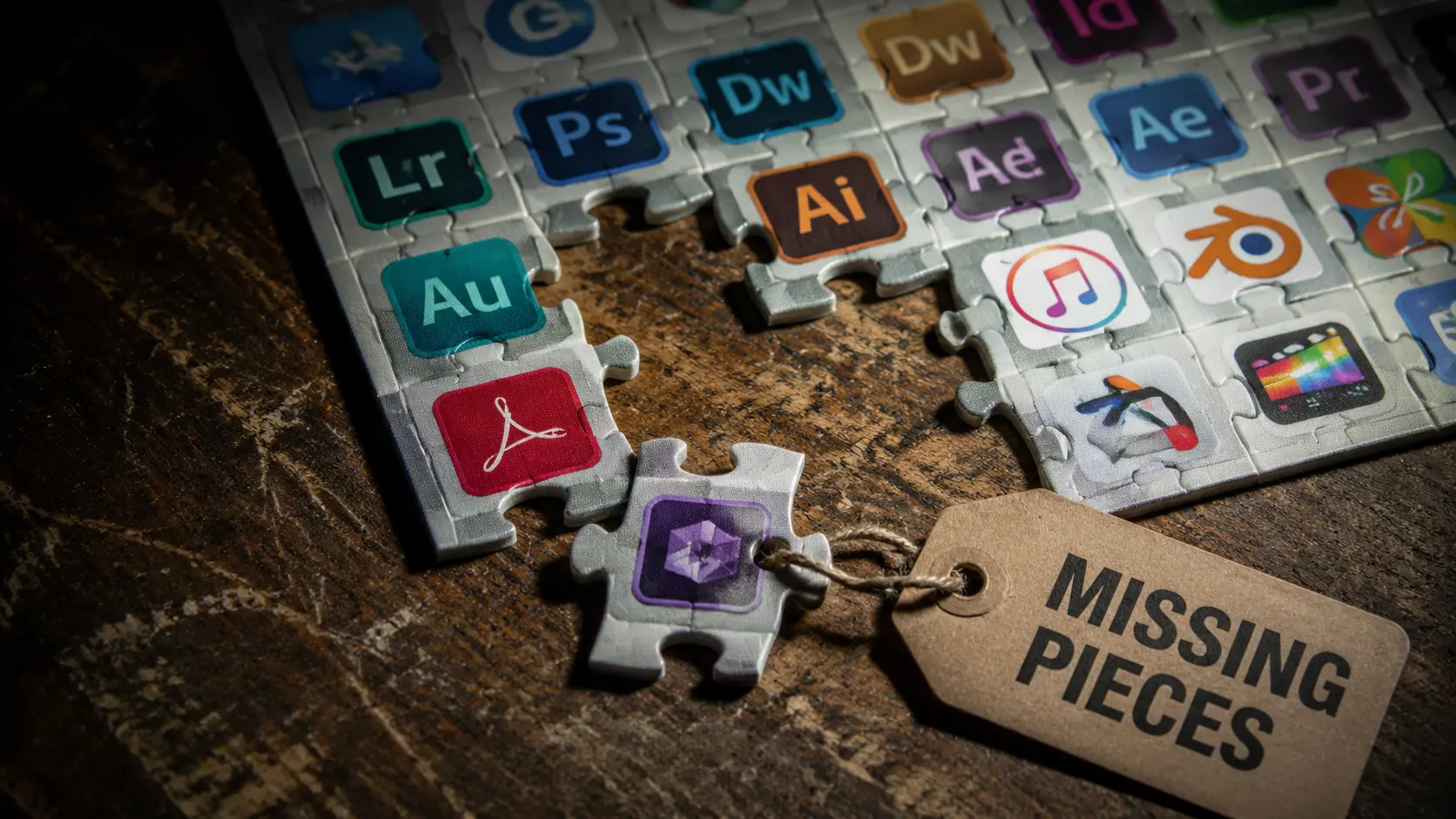
Generative AI Tools: Do Alternatives Catch Up to Firefly?
Adobe Firefly excels at generating elements and expanding backgrounds. Free alternatives currently lack these advanced generative features. We eagerly await the integration of AI into Resolve.
Plugin and External Library Support: A Barrier for Professionals
Professionals rely on external plugins to speed up daily work. Alternatives suffer from a severe shortage of ready-made templates and brushes. The independent developer community is still very small.
Integration with Tablets, Cloud Solutions, and Team Collaboration
I tried working on an iPad during my trip to Marrakech. I found that cloud syncing and direct collaboration are still very weak. iPads remain exclusive to Adobe applications for now.
Understanding these technical gaps leads us directly to the most important lesson from years of practice.
Lessons from Ten Years of Combining Resolve Nodes with Affinity Layers
I discovered a small secret that completely changes your workflow. Never flatten Affinity Photo layers before exporting. Always keep the original .afphoto file in your project folder. When you open it in DaVinci Resolve, use Fusion mode. There, you can link each layer to an independent Node. I tried this on a short film color grading project. It allowed me to edit background text without re-exporting from scratch. This simple procedure saved three hours of repetitive work. The TwiceBox agency uses this standard in all its film projects.
Conclusion
The free alternative ecosystem is now complete and has become a truly professional option. You no longer need to pay expensive Adobe subscriptions to produce high-quality content. Download the free version of DaVinci Resolve today and try importing an Affinity file. Which application are you still paying for that you believe has no free alternative?
Discover more from أشكوش ديجيتال
Subscribe to get the latest posts sent to your email.